How to Keep Track of Holiday Receipts and Return Deadlines
Keep every holiday receipt in one place the day you buy, write each return deadline next to the purchase, and keep gift receipts with the gift so January returns take minutes.

On this page
It's the second week of January and the sweater is still in its bag on the chair. It's the wrong size, it came from a store two towns over, and somewhere there's a receipt for it: maybe in the bag, maybe in a coat pocket, maybe in an email from November with a subject line nobody would think to search for. The return window may have closed four days ago. Nobody is sure, because nobody wrote down when it closed.
Holiday shopping produces a pile of receipts in a few short weeks, and they arrive in every format at once: paper slips, emailed order confirmations, gift receipts tucked into boxes, and packing slips from orders that shipped in three parts. Most of the money lost on holiday returns isn't lost to strict store policies. It's lost to a receipt that can't be found and a deadline nobody knew about. Here's how to set up a system now, before the shopping starts in earnest, so every return in January is a five-minute errand.
Why holiday returns go wrong
The same three problems show up every year, and one small system fixes all three.
The receipt is in the wrong place. Paper slips end up in wallets, shopping bags, car door pockets and coat pockets. Email confirmations end up buried under shipping updates.
The deadline is unknown. Return windows vary from store to store and from product to product, and some stores set holiday windows that differ from their usual policy.
The gift and the receipt get separated. A present gets wrapped, the receipt stays in the shopping bag, and the bag goes out with the recycling.
Set up one place for receipts before you start shopping
Pick a single place every receipt goes on the day you buy, whatever form it takes. Two places are fine, one for paper and one for digital, as long as both are decided in advance.
For paper receipts
An envelope or a folder by the door works better than a drawer, because the door is where the shopping bags land. Label it with the year. When you come home from a store, the receipt goes in before the bag is unpacked.
Thermal receipts fade, especially in a warm car or a sunny window. Photograph any receipt for a purchase you might return, or one that cost real money, on the day you get it.
For email and online orders
Make one email folder or label for the season and move every order confirmation into it as it arrives. Keep shipping notifications only if they carry the order number. If you shop on your phone, take a screenshot of the order confirmation page before you close it, since some confirmation emails take hours to arrive and a few never do.
Write the deadline down the day you buy
The return deadline is the most useful line on a receipt, and it's usually the one printed in the smallest type. Read it when you buy rather than when you need it. For each purchase you might return, record:
What you bought and who it's for
The store, and whether you bought it in person or online
The purchase date and the amount paid
The last day to return it
Whether the store gives a refund, store credit or an exchange only
Many stores publish holiday return policies that differ from their usual ones, and the details are usually printed on the receipt or posted on the store's site. If the policy isn't on the receipt, look it up while you're still holding the bag and write the date down. A deadline you looked up in November is far easier than one you try to reconstruct in January.
Keep gift receipts with the gift, not with you
When you buy a present, ask for a gift receipt at the register or choose the gift option at checkout. Then decide where each receipt travels:
Put the gift receipt in a small envelope taped inside the box, or tuck it under the tissue paper.
Keep your own full receipt in your receipts folder, never inside the gift.
Note on your list which gifts carry a gift receipt.
After the holiday, check with whoever received the gift before the deadline passes, if they're likely to want an exchange.
If you buy gifts early and hide them, the same list helps you remember what you bought and where it's hidden. The guide to keeping track of gifts you buy early covers the hiding part.
Sort the receipts after the holiday
The week after the holiday is the time to clear the folder, while the deadlines are still open. Work through it in order:
Pull every receipt and order confirmation from the season into one stack or one list.
Set aside each purchase going back, and sort those by deadline, earliest first.
Return the earliest-deadline purchases first, in one trip if the stores are close together.
Keep receipts for purchases with a warranty, expensive purchases, and possessions you might ever insure.
Recycle receipts for consumables and small purchases once their return windows have passed.
Receipts for electronics, appliances and other purchases with a warranty belong in a longer-term home. The guide to keeping track of appliance warranties and receipts covers what to keep and for how long.
Why some receipts are worth keeping past January
A receipt does more than unlock a return. It shows what you paid, when, and where, and for a valuable purchase that's the record you'd want if it were ever damaged or stolen. If a new television, laptop or piece of jewelry came into the house this season, its receipt belongs with the rest of your home inventory records. The guide to home inventory for insurance explains what a complete record includes.
A spreadsheet can hold the list of purchases and deadlines, and for a handful of receipts it works well. It gets harder once you want the photo of each receipt beside its line, and harder again when the list has to be searched from a store's parking lot. The comparison of Cratify and spreadsheets walks through where each one fits.
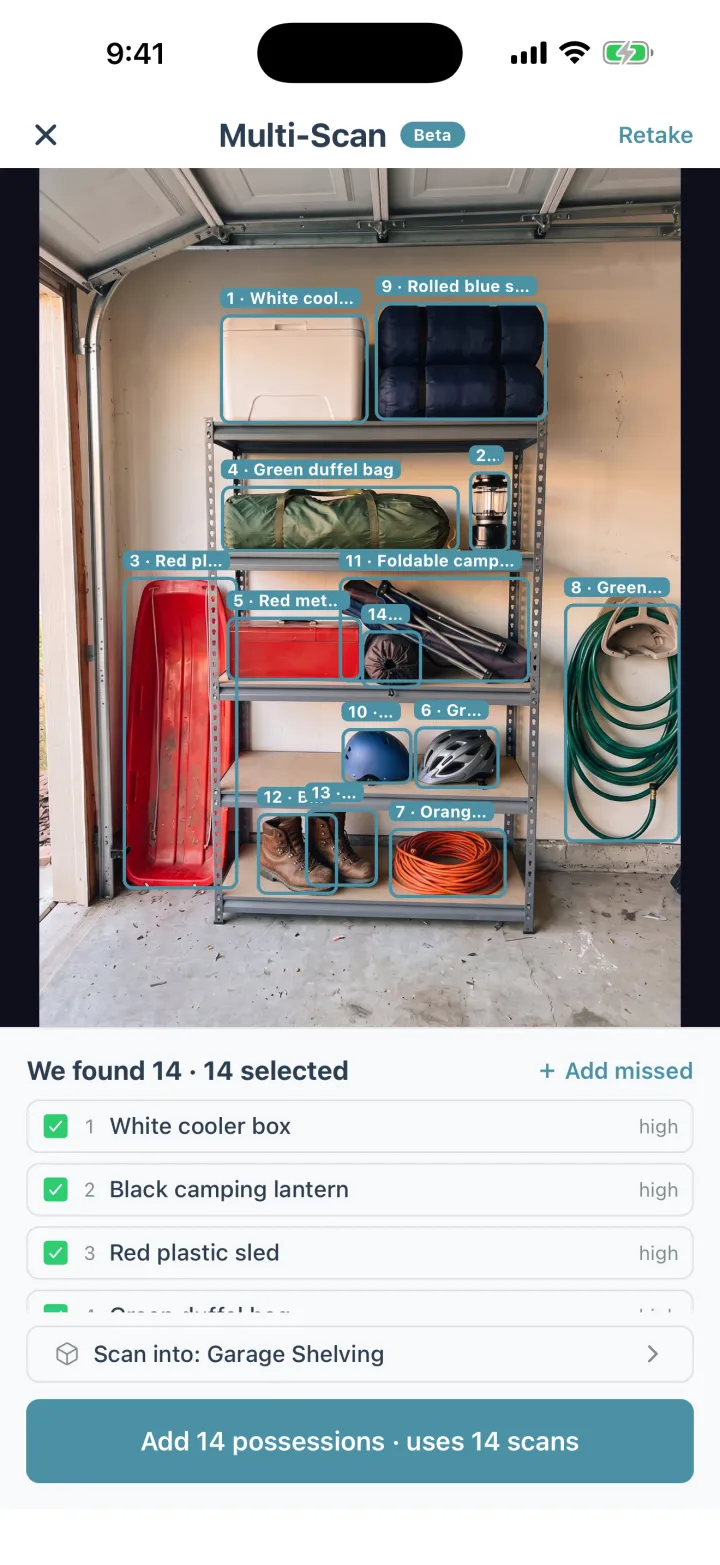
Multi-Scan names up to 15 possessions from one photo.
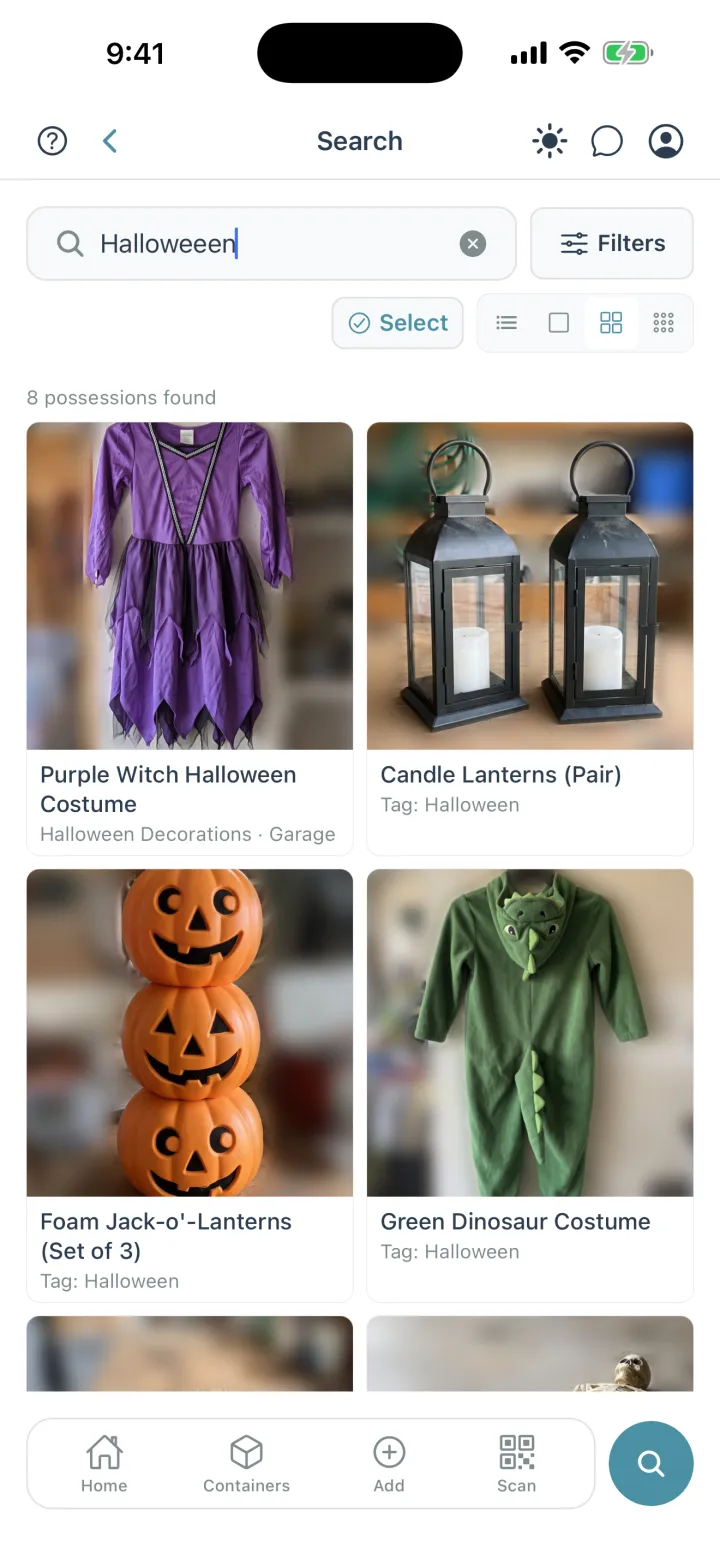
Search forgives typos: “Halloweeen” still finds every Halloween possession.
Where an app helps
If you'd rather keep receipts on your phone than in an envelope by the door, here's how it works in Cratify. A receipt can be its own possession, with its amount and purchase date recorded alongside a photo of the slip, so a faded thermal receipt is still readable in January. A purchase you've decided to keep can be an Item possession with up to five photos and possession properties such as Expensive.
A collection can gather every holiday return into one list, and you can check each one off as it goes back to the store. Search draws on each possession's details, so a receipt you named for the sweater turns up when you search for the sweater. A collection can also be exported as a PDF if you want a printed list for the return trip.
The short version
Decide where receipts go before the shopping starts: one folder for paper, one email folder for online orders. Photograph the paper receipts that matter, write each return deadline down on the day you buy, and keep gift receipts with the gifts. The week after the holiday, sort by deadline, return the earliest first, and keep the receipts for purchases with a warranty or real value. Cratify is free to try.
Find the receipt before the window closes
Save each receipt as a possession with its amount and purchase date, then search for it in January. Cratify is free to try.